 05 / POOYA LABS
LuminaGlass
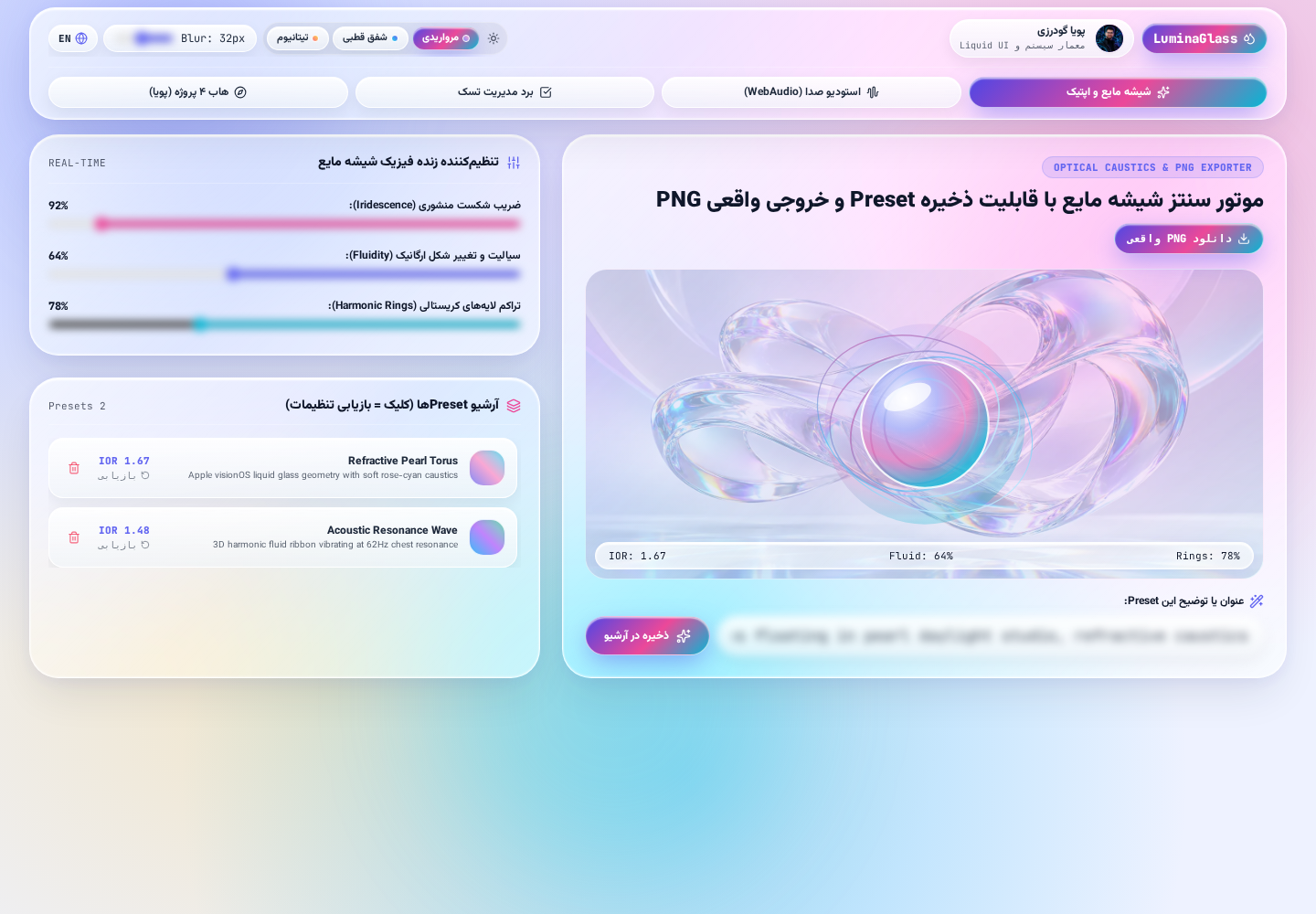
Public demoA browser-native lab for tuning Liquid Glass surfaces and optical effects, exporting PNGs, and processing audio with the Web Audio API. Preferences and presets are stored locally in the browser.
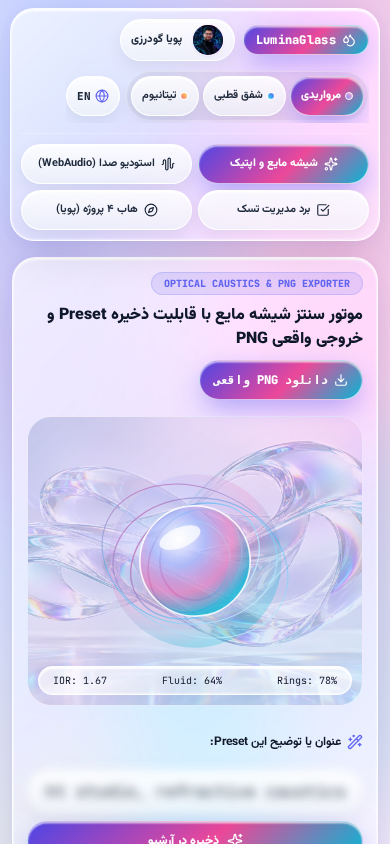
Creating layered glass surfaces with convincing depth and tuning audio processing both benefit from quick, direct browser experiments. LuminaGlass brings these explorations into one interactive lab.
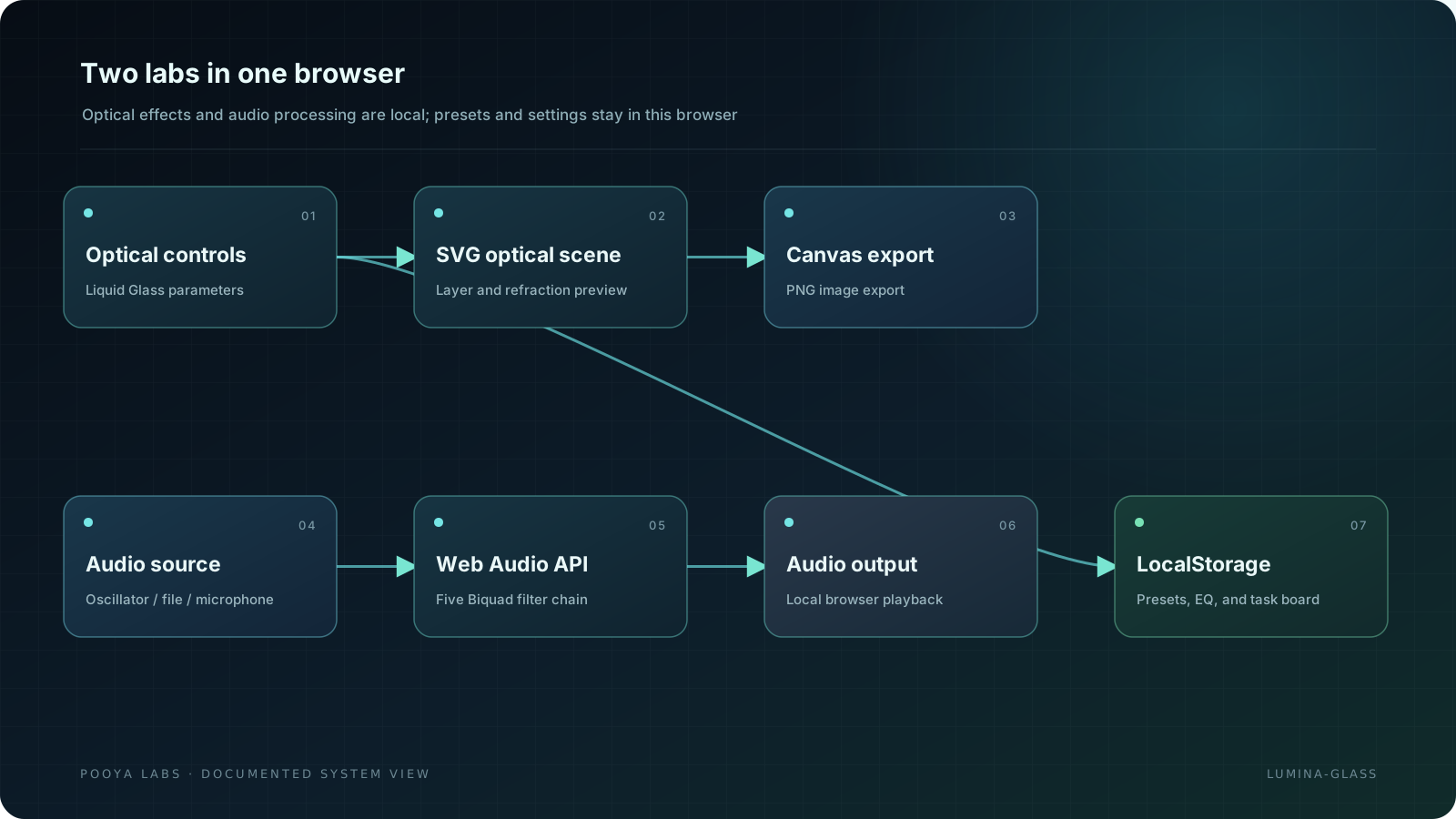
SVG controls tune optical effects and Canvas renders PNG exports. The audio lab uses the Web Audio API with a chain of Biquad filters.
The README identifies Pooya as the author.
A static lab built with Next.js 16, React 19, TypeScript, and Tailwind; SVG renders optical previews, Canvas exports PNGs, Web Audio API runs local audio filters, and localStorage stores preferences and the task board.
- 01Tune iridescence, fluidity, and crystal layers live.
- 02Canvas PNG export.
- 03Five Biquad filters for oscillator, local audio file, or microphone.
- 04Flat/Warm/Clarity/Cinematic presets and manual band controls.
- 05Three-stage local task board.
- 06Release oscillator, microphone tracks, AudioContext, and object URLs on stop/source change.
- 01Presets, EQ, and tasks stay in this browser's localStorage; there is no cloud sync.
- 02Audio never resumes automatically after reload; AudioContext resumes from user action.
- 03Microphone requires HTTPS/localhost and browser permission; audio is not sent to a server.
- 01Pages deployment for commit 06fa934 succeeded on November 1, 2026.
- 02The README does not provide a consolidated recent browser/accessibility test report.
- 01Tune iridescence, fluidity, and crystal-layer complexity
- 02Export the current studio state as PNG
- 03Five Biquad filters for oscillator, audio file, or microphone sources
- 04Browser-local presets and task board
- 05Release audio resources, microphone tracks, and temporary URLs
Presets and the task board are stored in the current browser's localStorage. Audio processing is local and does not use a cloud service, AI, or backend.